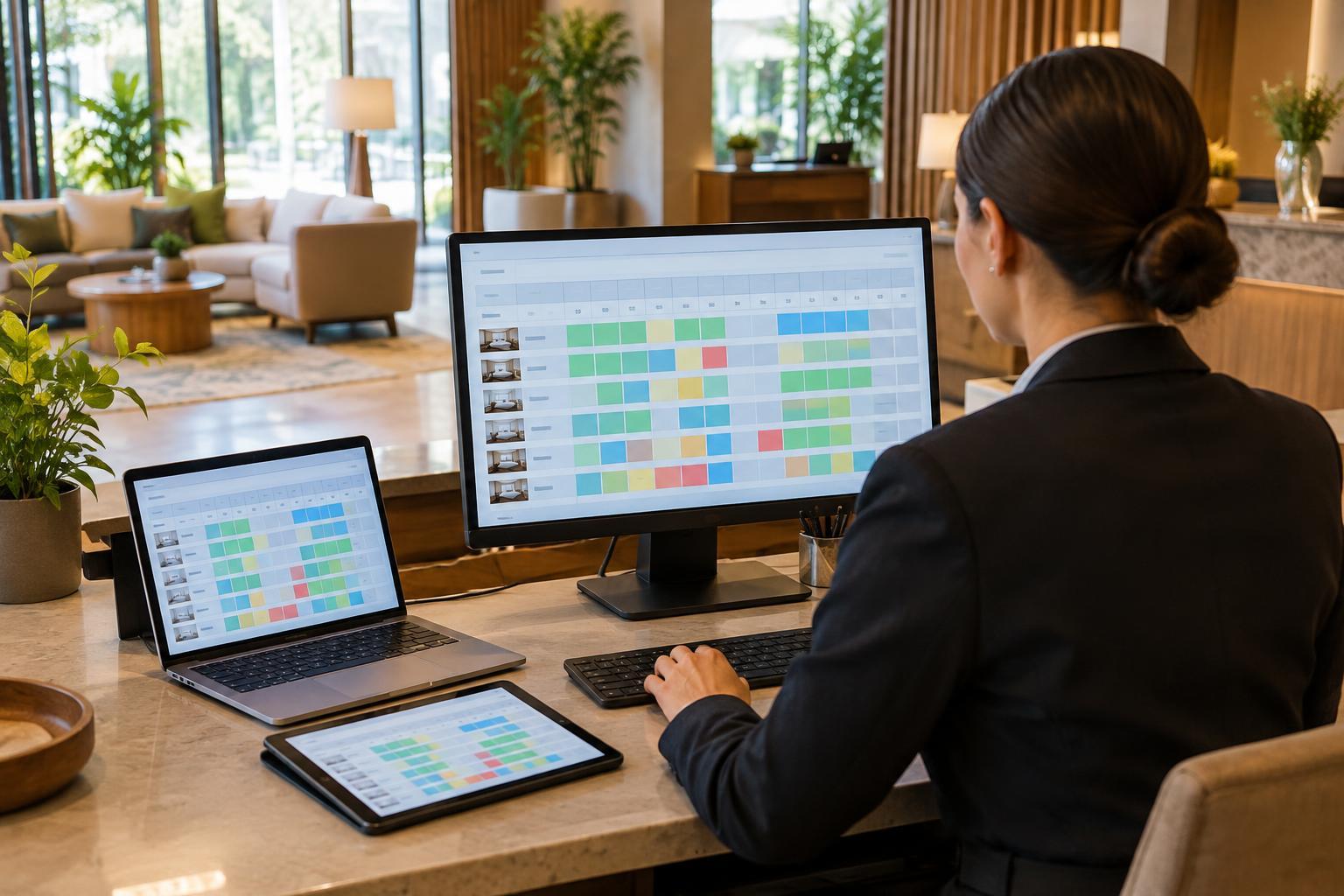
What a channel manager does
A hotel room may be offered through the property’s own website, online travel agencies and other sales partners. Managing each listing by hand becomes difficult when prices change or rooms sell quickly. A channel manager connects those channels to a central set of rates and availability, so staff can make an update once and distribute it to connected listings.
The tool also receives reservations from channels and reduces the inventory available for sale. Depending on the property’s setup, it may exchange information with a property management system (PMS) or booking engine. These connections reduce repetitive work, but they do not guarantee that every listing is correct. The quality of the result depends on accurate setup, supported connections and staff attention to exceptions.
Start with a clear source of truth
Before connecting channels, decide where staff will maintain each type of information. A PMS may hold room inventory and reservations, while a revenue tool or channel manager may control prices. Whatever the arrangement, the team should know which system is authoritative for rates, availability and restrictions. Changing the same value independently in several systems can create conflicting updates.
Map each room type and rate plan carefully. A “double room” on one site must correspond to the intended inventory in the central system, and a breakfast-inclusive rate should not be linked to a room-only plan. Check occupancy limits, cancellation terms, meal inclusions, taxes and fees as well as the nightly price. Some details may need to be maintained separately on each channel because connections do not always carry every field.
Decide how much inventory to offer through each connection, especially when a property sells a small number of rooms or holds rooms for maintenance or group bookings. Document who can change these settings and how the team will record temporary adjustments.
Keep rates and restrictions understandable
Consistency does not necessarily mean displaying an identical final price everywhere. Channel-specific promotions, included services, taxes and currency displays can affect what a guest sees. The goal is for each offer to match the property’s intended terms and for staff to understand why apparent differences exist.
When setting rates, review the rules attached to them: minimum stays, closed-to-arrival dates, advance-booking limits and cancellation policies. A correct nightly rate is of little use if an unintended restriction prevents a guest from booking. Likewise, a discounted plan that remains open after a promotion ends can cause confusion at check-in.
Use a few representative dates to test each connected channel, including a busy period, a quiet period and a date with special restrictions. Compare the public listing with the intended offer rather than checking only the number shown in the channel manager. If a difference is deliberate, note it so another staff member does not “fix” it by mistake.
Watch for gaps between updates
Reservations and changes may take time to pass between systems. Connections can also pause, reject an update or handle a cancellation differently than expected. These gaps matter most when only one or two rooms remain. A channel manager helps reduce the risk of overselling, but staff still need a process for spotting and resolving discrepancies.
Monitor failed-update alerts, unconfirmed reservations and unexpected changes in available room counts. After a manual booking, room move, group allocation or out-of-service decision, confirm that the new inventory appears where it should. If a connection fails, staff should know which channels require a temporary manual adjustment and who is responsible for checking that normal syncing has resumed.
Keep a record of the steps taken when an exception occurs. That gives the next shift enough context to avoid repeating a change or reopening inventory too soon. It also helps the team identify recurring mapping or workflow problems.
Build a routine the team can maintain
A useful daily check need not be lengthy. Review new bookings against the reservation system, scan connection alerts, and spot-check upcoming dates with limited availability. Before a major rate change or promotion, confirm which plans and channels it will affect. Afterward, verify that the offer appears as intended on a selection of guest-facing listings.
Train more than one person to understand the basic setup and the exception process. Staff should know where to find the source of truth, when a manual change is appropriate and how to hand off an unresolved issue. A channel manager works best as part of a clear operating routine: the software distributes information, while people check that the information remains accurate and understandable for guests.