What a property management system does
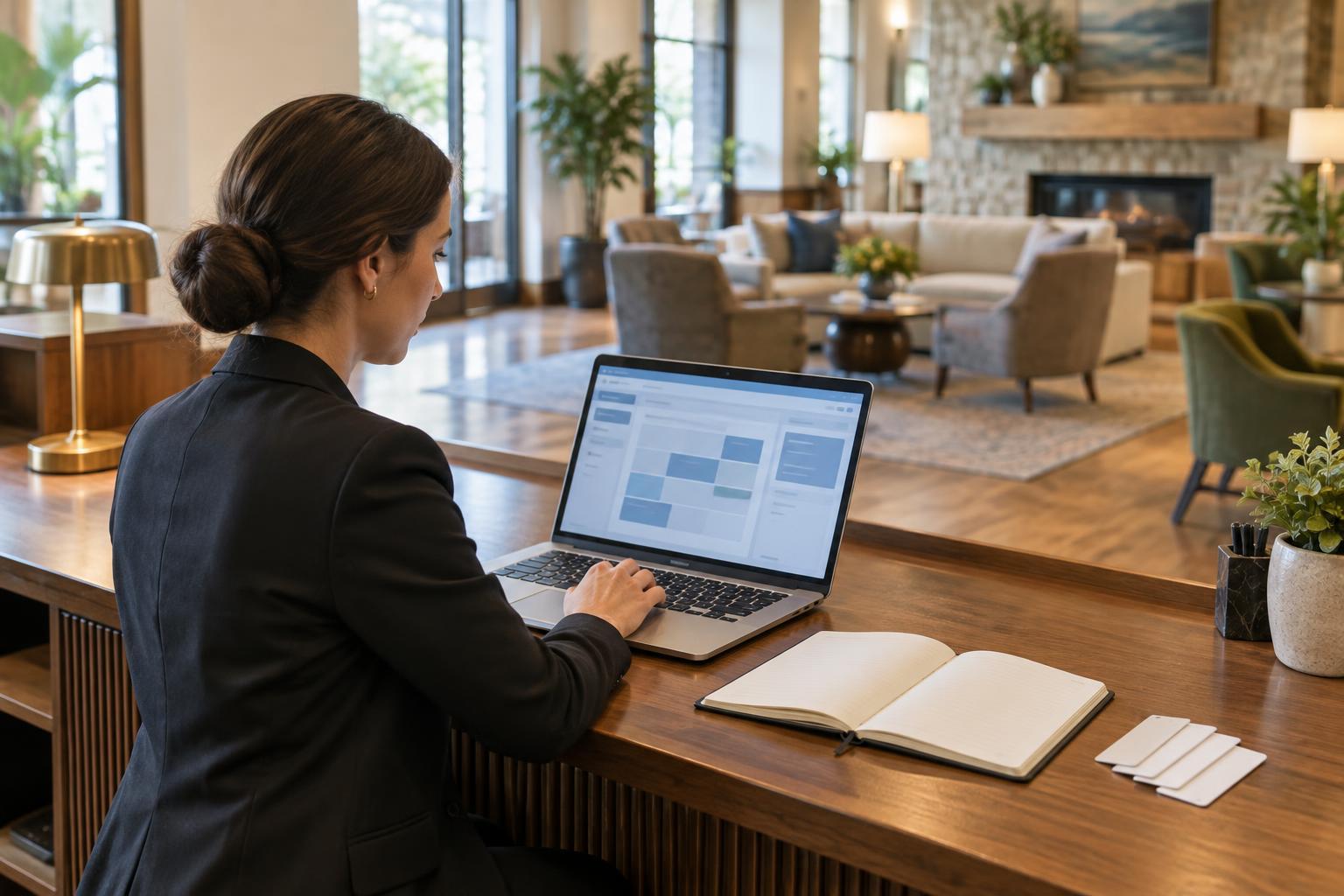
A property management system, usually called a PMS, is the working record for a hotel’s rooms, reservations and guest stays. Front desk staff use it to see who is arriving, assign rooms and complete check-in and check-out. Other teams may use the same system, or connected tools, to update room status, review charges and plan the day’s work. The goal is not simply to store information. It is to help staff act on a shared, reasonably current picture of the property.
A PMS does not replace hospitality judgment. A screen can show that a room is available, but a person may need to confirm that it is ready for a guest with a particular request. Similarly, a guest profile may provide useful context without telling staff how to resolve every concern. The system works best when teams agree on clear procedures for entering information, checking changes and handing over exceptions.
Reservations, inventory and rates
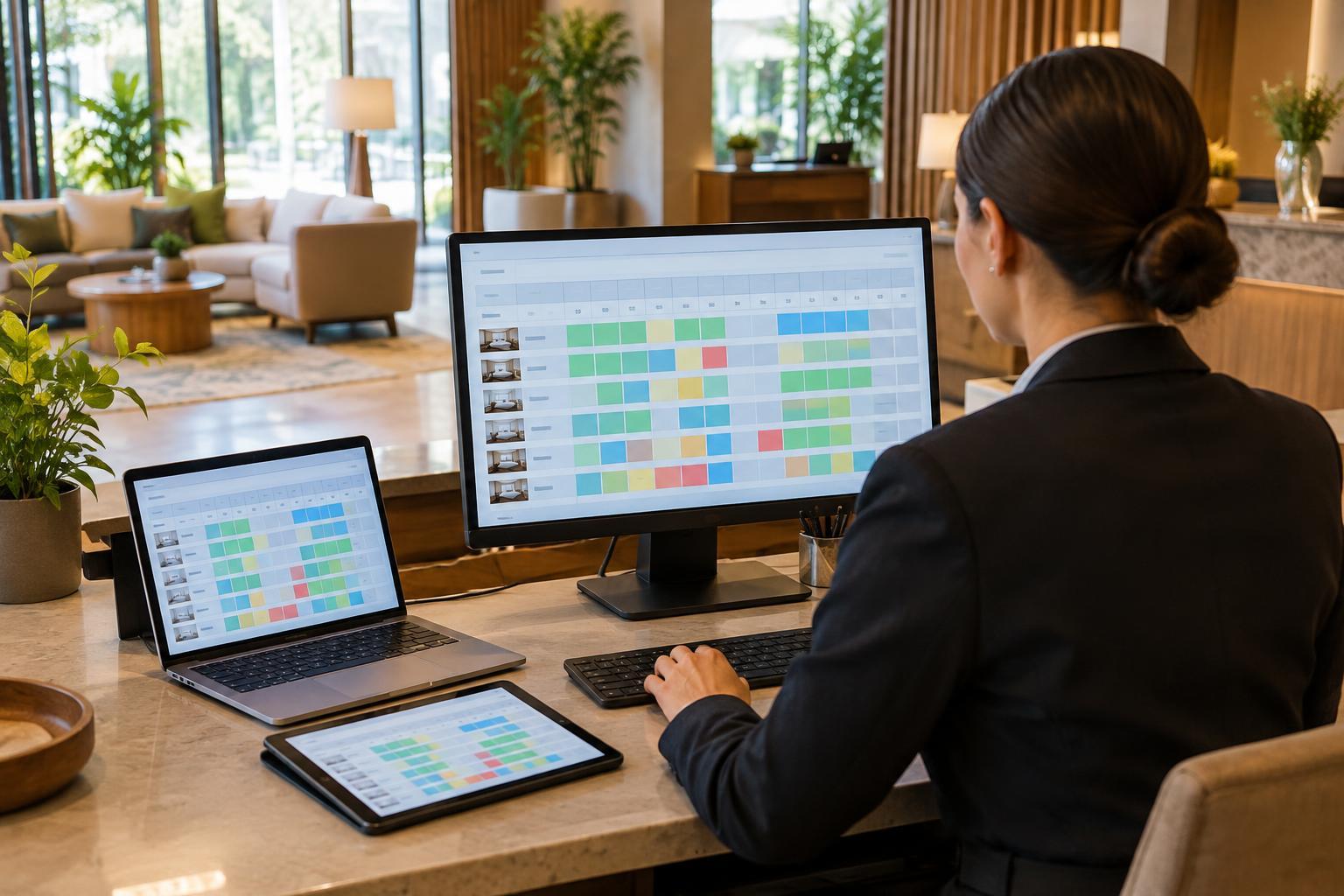
The reservation function records the details of a planned stay: dates, room type, rate, guest information and any applicable notes or policies. It helps staff make, change and cancel bookings while keeping track of what can still be sold. Room inventory is especially important because a hotel may have several rooms of the same type but different conditions on any given day. A room that exists physically is not necessarily ready or available for sale.
Many hotels connect their PMS to booking channels or a channel manager so availability and rates can move between systems. Those connections can reduce repeated manual entry, but they still need monitoring. A changed reservation, a room taken out of service or an incorrect rate setting can affect what staff and guests see. Teams should know which system controls each type of information and how to investigate a mismatch before promising a room or price.
The guest stay, from arrival to departure
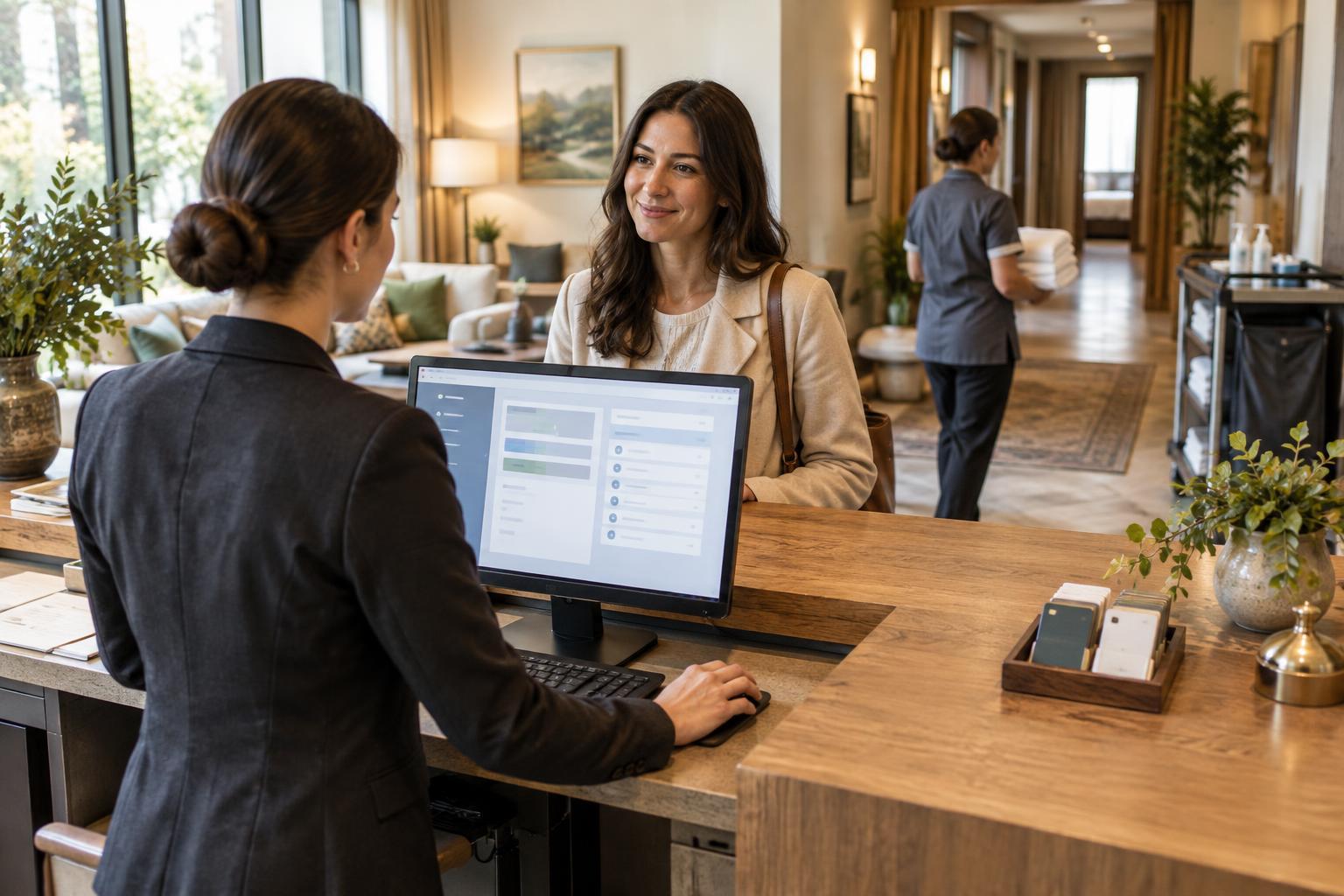
At check-in, a PMS helps the front desk confirm a reservation, select a suitable room and record the start of the stay. During the visit, it may display requests, messages and charges posted by connected services. At check-out, staff use the folio to review the account, make permitted corrections and complete payment or billing steps. Exact features vary, so a hotel’s procedures should reflect its system and payment setup.
Good records support consistent service, but more data is not always better. Notes should be relevant, factual and entered in the appropriate place, particularly when several departments can view them. Staff also need to follow the property’s rules for access and retention of guest information. When a request cannot be fulfilled, recording the outcome clearly can help the next shift avoid asking the guest to repeat the same conversation.
Housekeeping, maintenance and team coordination
A PMS often tracks room status, such as occupied, vacant, dirty, clean or out of service. Housekeeping updates help the front desk understand which rooms can be assigned, while front desk updates help housekeeping prioritize departures and expected arrivals. Depending on the setup, room attendants may enter updates directly or a supervisor may confirm them. A consistent definition of each status matters more than an elaborate list of labels.
Maintenance issues also need a clear path. A room with a faulty fixture should not quietly return to available inventory just because it has been cleaned. Some systems include maintenance tasks; others rely on a connected tool or a separate handover process. In either case, the team needs to know who can remove a room from sale, who can return it and how that decision is communicated. Clear ownership prevents a digital status from being mistaken for a completed inspection.
Reporting and choosing the right setup
Managers can use PMS reports to review activity such as arrivals, departures, occupancy, room revenue and outstanding balances. Reports are most useful when staff enter information consistently and understand what each measure includes. For example, a room out of service may be treated differently from a vacant room in a report. Before acting on a figure, check its definition, date range and any known gaps in the underlying records.
When evaluating a PMS, start with the team’s actual workflow rather than a long feature list. Walk through common tasks and difficult cases: a late arrival, a room change, a split bill, an unexpected maintenance closure and a handover between shifts. Ask how the system connects to existing tools, what staff can access from their workstations and how support and training are handled. A well-chosen system should make routine work clearer and leave staff more time to focus on guests.